StitchSitterFind a dealer

Stop walking designs to your machine.

StitchSitter stays in the USB socket your machine already has. Your designs go to it over Wi-Fi, from wherever you happen to be standing. The machine reads it as the memory stick it has always read.

What changes the day you plug it in.

Eight things you stop doing, and what you do instead.

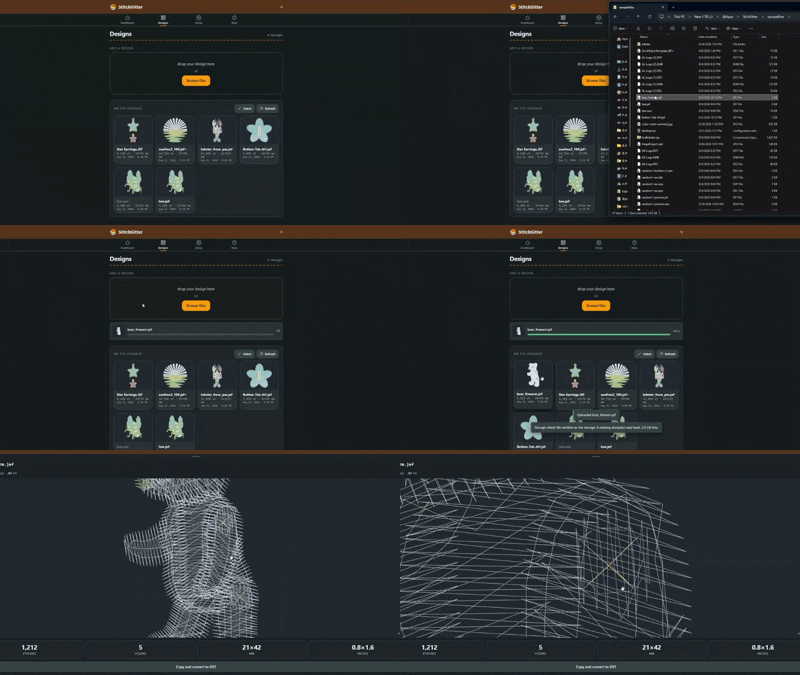
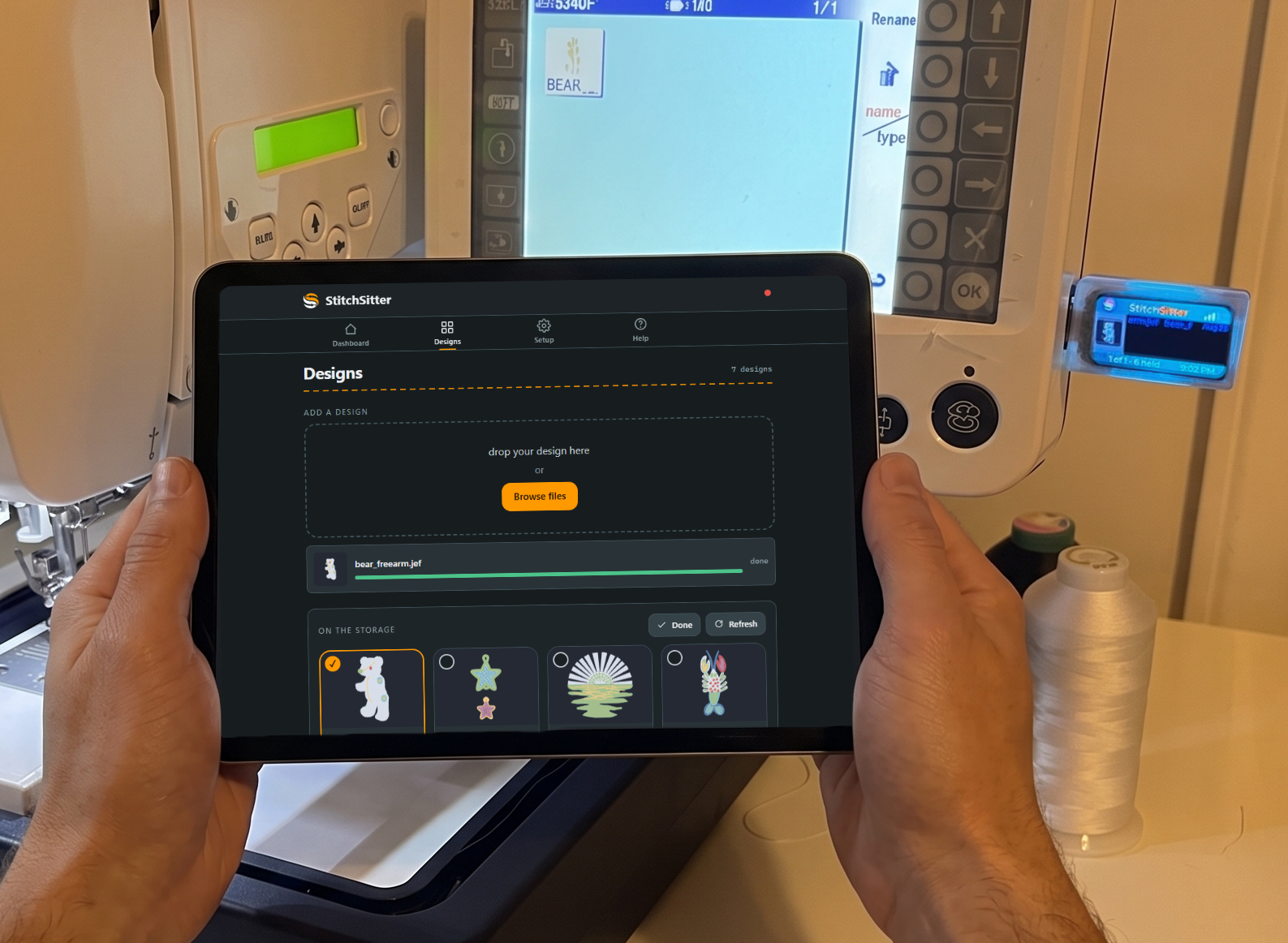
The StitchSitter app open on a tablet

Send a design without getting up

The walk to the machine goes away. Whatever is already in your hand sends the design, and there is nothing to install on it first.

  • Your phone, tablet or laptop, as it is now
  • No app to download and no account to make
  • Nothing to buy again next year

Keep working the way you already work

If your designs live in folders on a computer, leave them there. The dongle appears as a drive, so you drag one across and carry on.

  • It sits with your other drives on Windows and Mac
  • No new program to learn
  • It comes back on its own after a restart
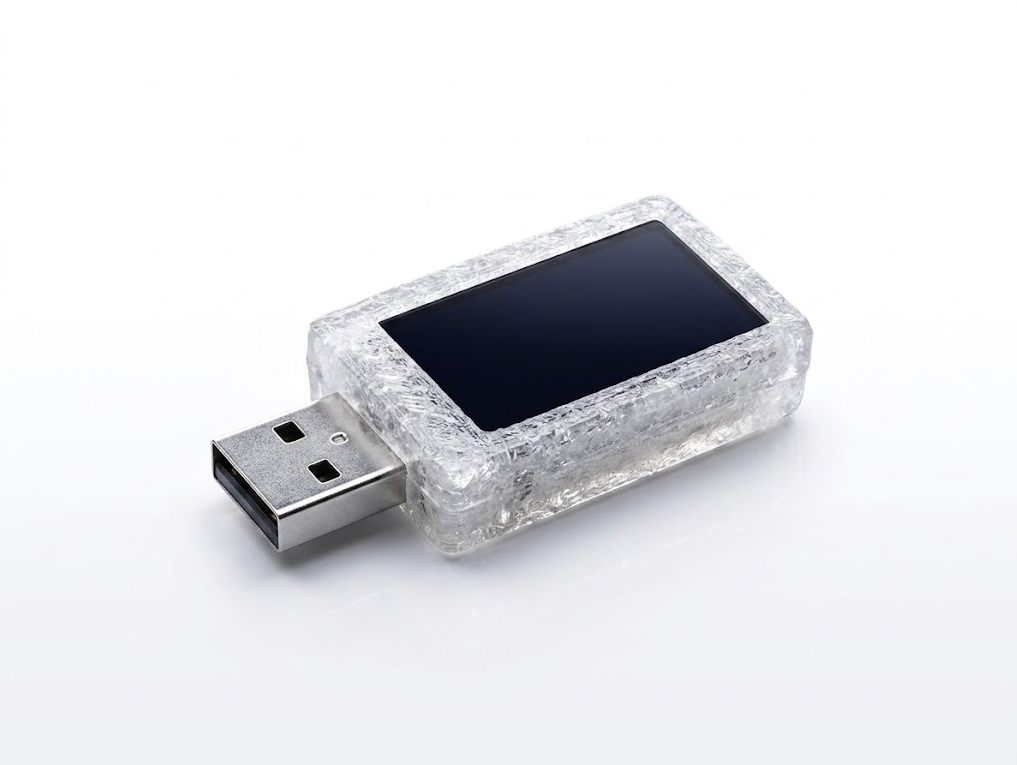
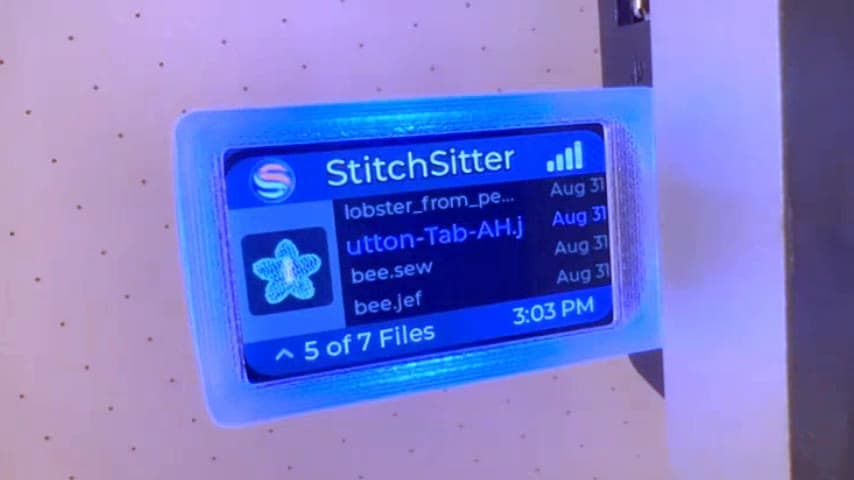
The StitchSitter dongle

Feed every machine from one place

Send a design once and it reaches all of your machines together. Nobody walks the room, and no machine ends up on last week's version.

  • One page for the whole workshop
  • One drop reaches every dongle
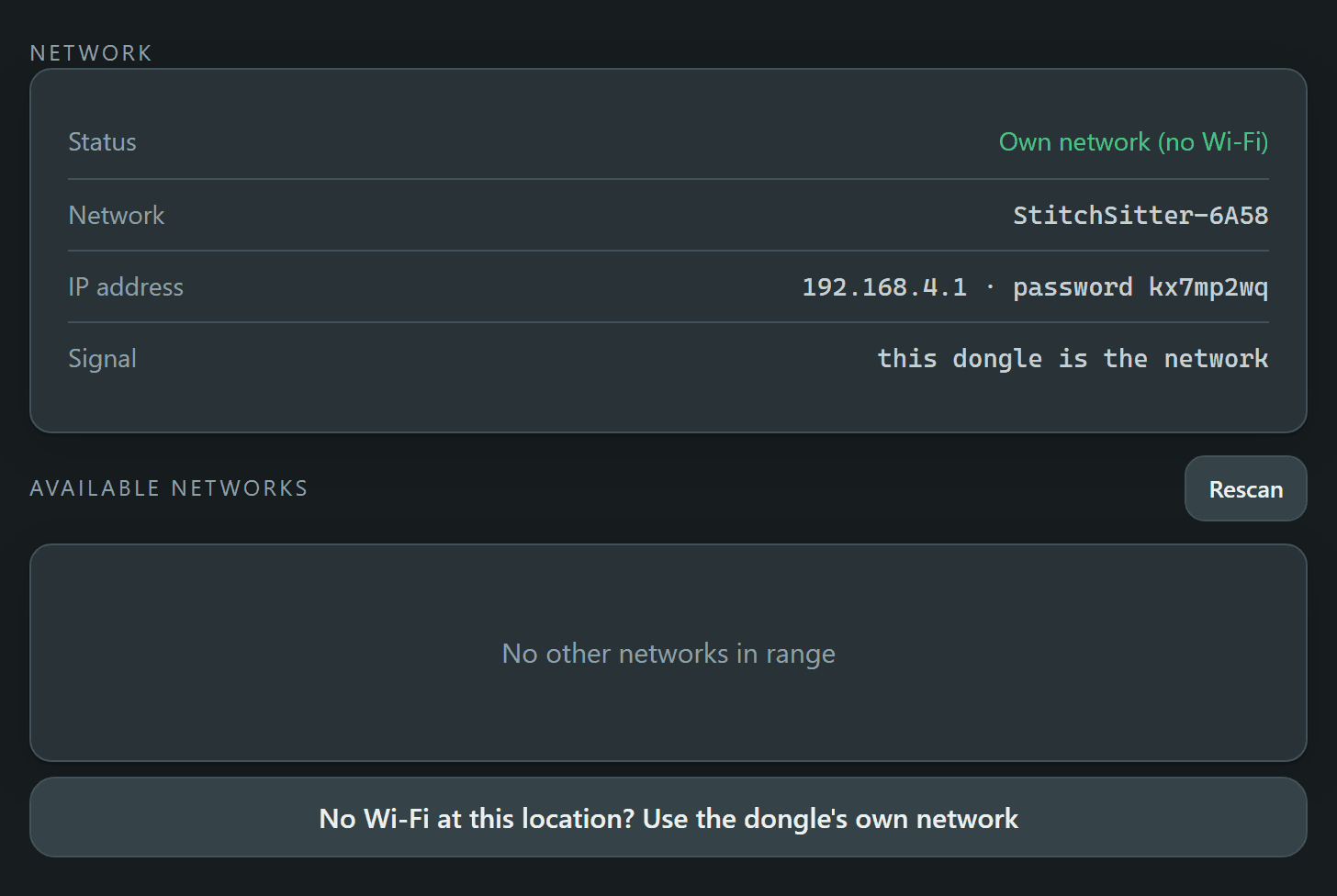
The app's Network panel: status Own network with no Wi-Fi, the network named StitchSitter-6A58, the address 192.168.4.1 with its password, and a button reading No Wi-Fi at this location, use the dongle's own network

Keep going where there is no Wi-Fi

A hall, a show, a barn at the end of a lane. The dongle makes a network of its own, so your phone still reaches the machine.

  • It works with no router and no internet
  • Your phone opens the app as soon as it joins
  • You choose the name and password, or use none
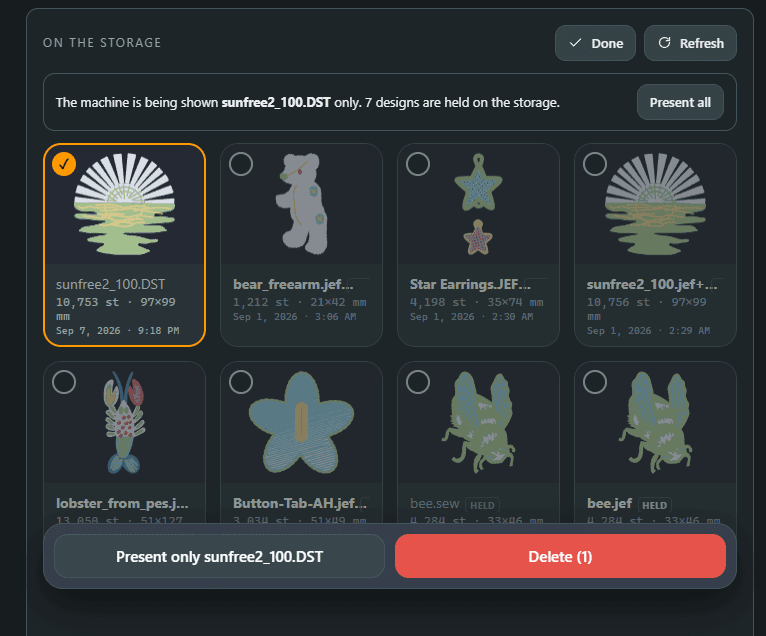
The app's On the storage panel: one design ticked to present, with Present only and Delete offered, and the other designs held back from the machine

Make the wrong design impossible to load

The costly mistake is not the walk. It is the right machine stitching the wrong file onto a finished garment. Show it one design and that cannot happen.

  • The machine lists only what you chose
  • The rest stay on the card, one tap from coming back
  • Whoever is at the machine cannot pick the wrong one
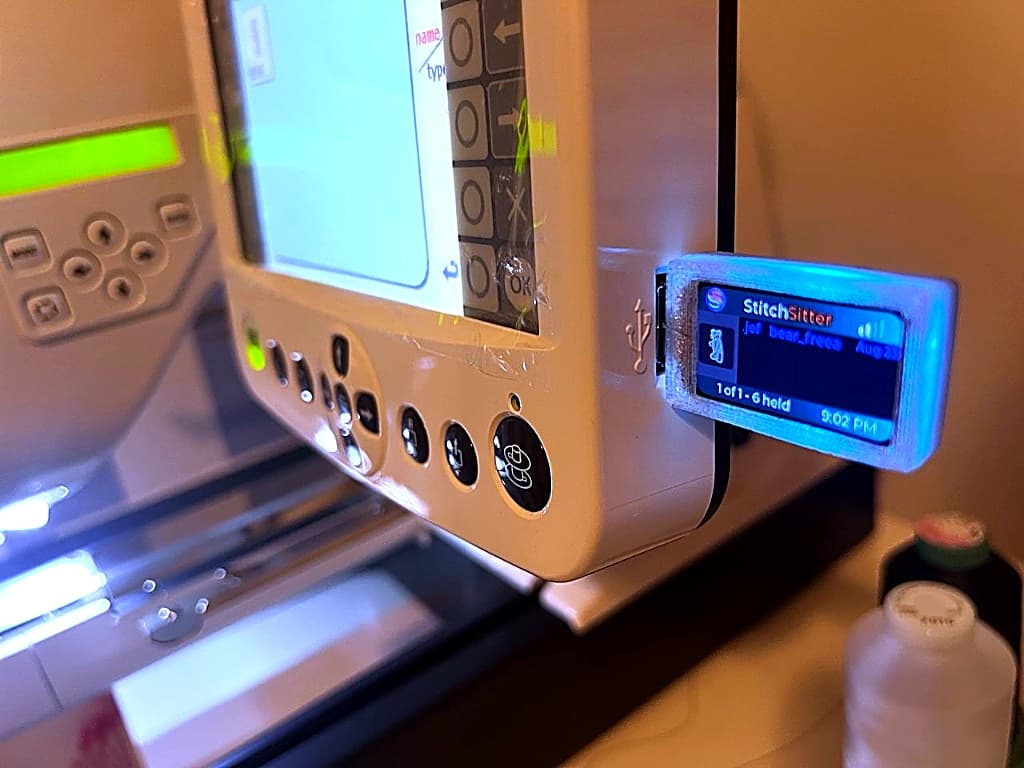
StitchSitter dongle plugged into Janome embroidery machine

Never see an empty design list again

Machines do not tell you when a file is in the wrong folder or the wrong format. They just show nothing. The dongle follows your machine's rules for you.

  • Each design goes where your machine looks for it
  • You are told before you send if a format will not read
  • The drive stays a size your machine can open
Browsing design previews in the app

Check a design before it costs you a garment

See the artwork, the colours and the finished size while the file is still on your phone. Catch the wrong one before any thread is used.

  • A real preview drawn from the stitches
  • Stitch count, colour count and finished size
  • Previews for 61 of the 63 machines we list

Know which machine you are sending to

Once you own three, the question is no longer how to send, it is which one you are sending to. Give each a colour and answer it across the room.

  • Eight colours on the screen and the light
  • A short name you can type into a browser
  • The same name in the app and on the drive

Leave the stick in the drawer.

Dealers sell StitchSitter. Find your nearest one, or apply to join our dealer network.